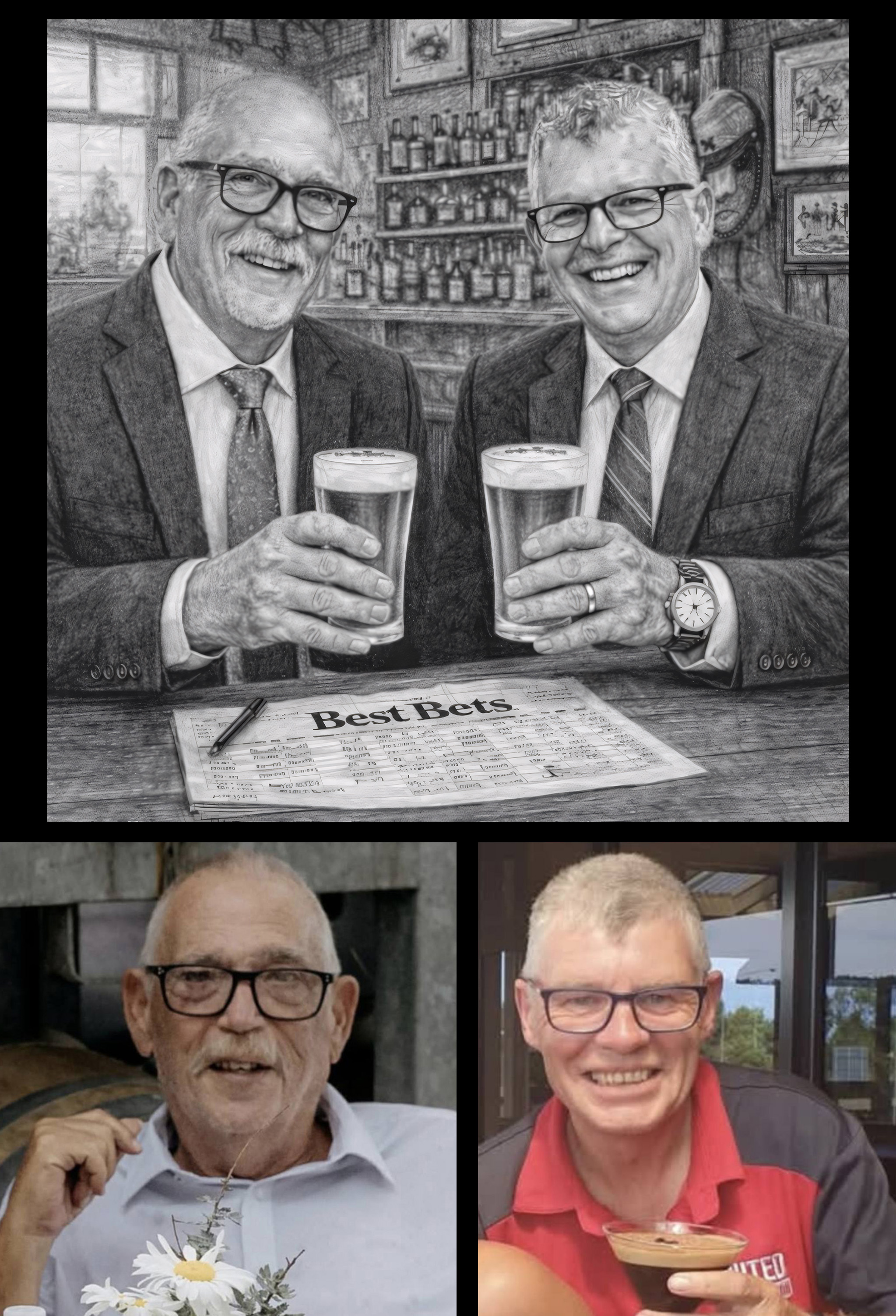
My Dad and his best friend both recently passed away due to cancer. They both loved horse racing and we all went to the May Race Carnival in my hometown every year.
We have spent a wild amount of money to get a race named after them this year. Now I need pencil style sketch or something similar (I’m open to ideas) I tried chatGPT and I think it got his friend pretty close, but my Dad (on the right) just isn’t quite good enough. Hoping someone might be able to edit for me and get it looking a bit more like him. Thanks for the help!
The Results
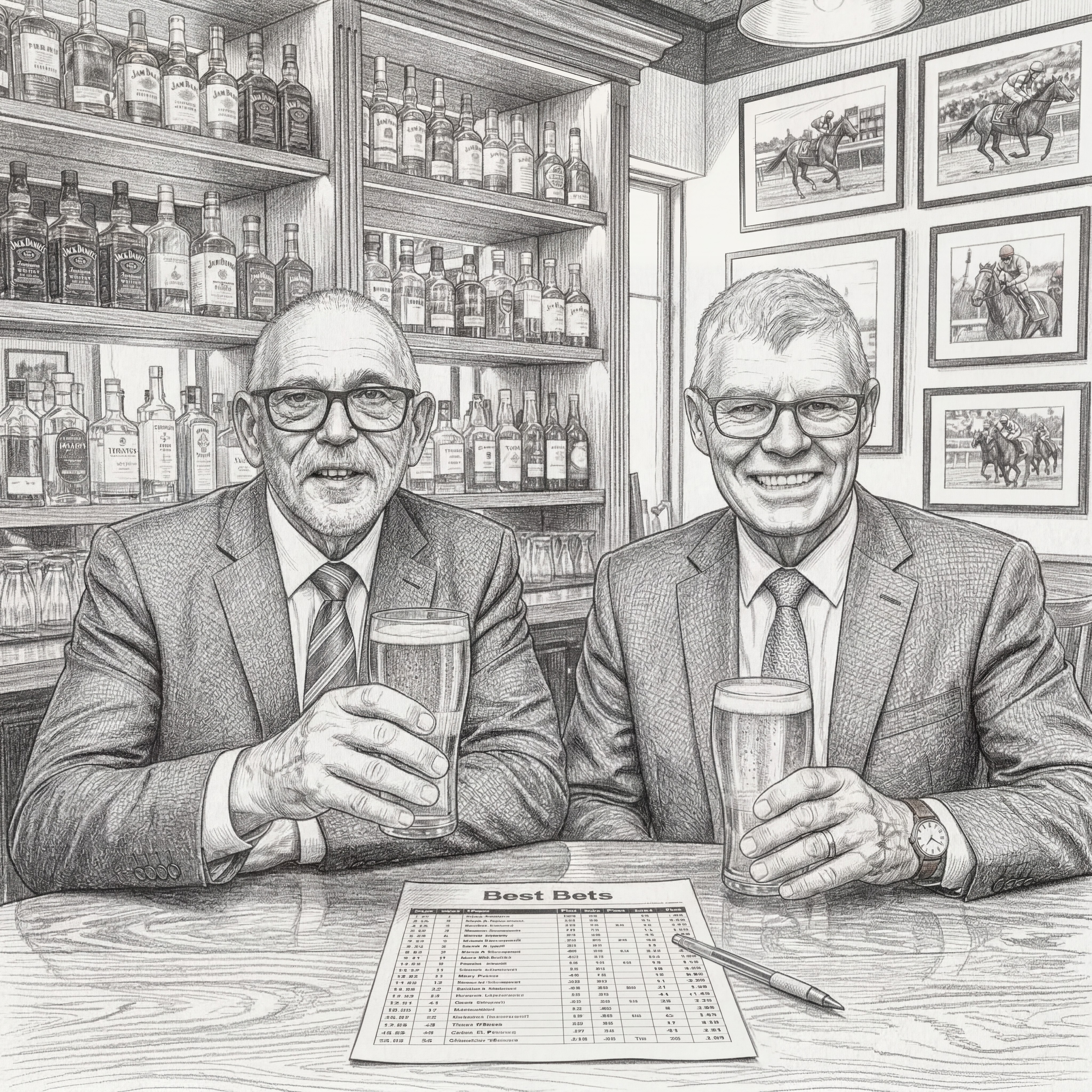
AI Image Generation has made massive leaps forward in the last 6 months, and it is remarkably capable when it comes to facial accuracy… but it is not always as simple as just plugging two photos into ChatGPT or Gemini and saying “create a pencil sketch of these two men drinking beer together with a racing form on the bar”. The result you get will probably be a really nice sketch-style image, but it might not look exactly like the people whose photos you fed to the AI.
Here is where coming to the editors on Reddit can help! There are some tricks you can use to get a better result, the most obvious being having the photoshop skills to tweak the image by hand. But there are also tricks that help improve your chances of getting a perfect image out of AI without the need for editing. One of mine is to never attempt to go from more than one photo, straight into a sketch.
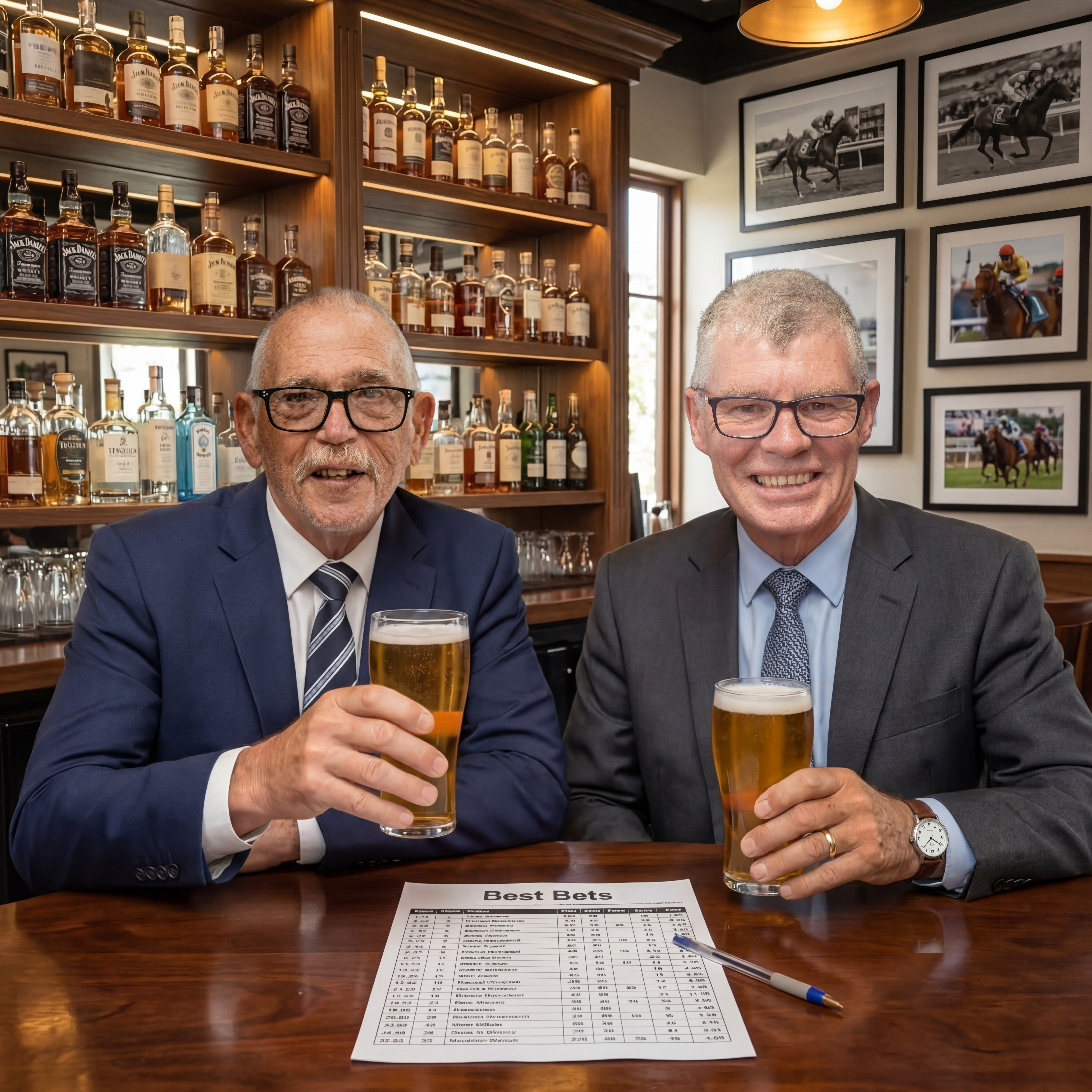
If I am trying to create a complex compilation involving multiple photos into a pencil sketch style, the first thing I like to do is create a photo compilation first. It does not necessarily have to be perfect… things like unbalanced color and lighting or minor blurriness are ok, but the better the quality of your starting image, the better the quality of your sketch will be.
So I created a high-res, AI image of two men who looked very much like the subjects in the desired scenery, then photoshopped their exact faces back in by hand. It’s not a perfect photo; the lighting does not match from one face to another. But… once I turn it grayscale and convert it to a sketch, those things won’t be noticeable.